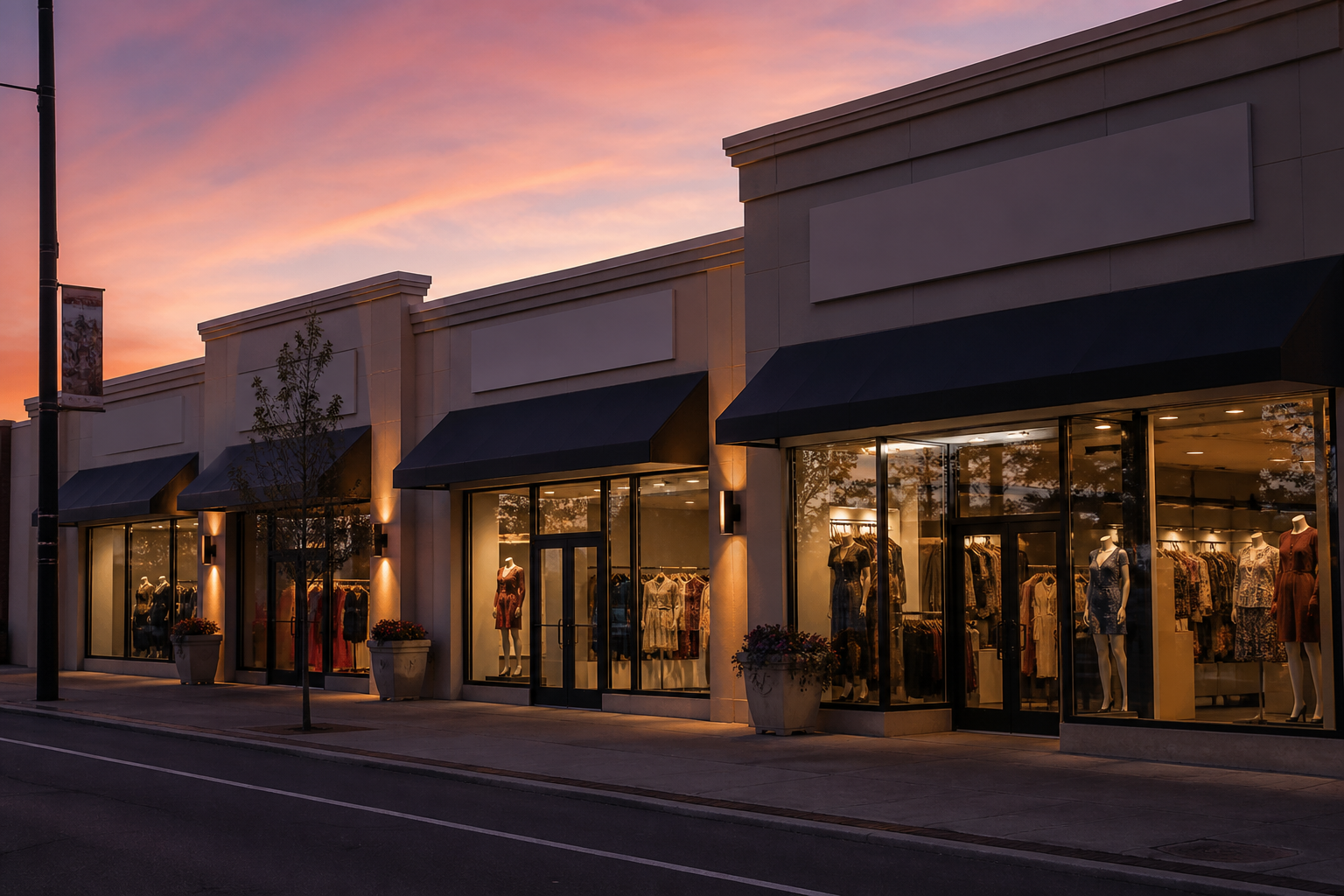
Chain stores
Same activity. Many locations.
Lock the shop type on the chain, add outlets as you grow, and jump between tills from one login. Each outlet keeps its own products for now.
How a chain works
01
Choose the activity
Register as Chain Stores and pick the category. Later outlets inherit it.
02
Add outlets
Each location has its own POS, staff, and catalog — not a shared product list yet.
03
Switch & compare
Outlet switcher in the nav plus an All Outlets overview for combined sales and credit.
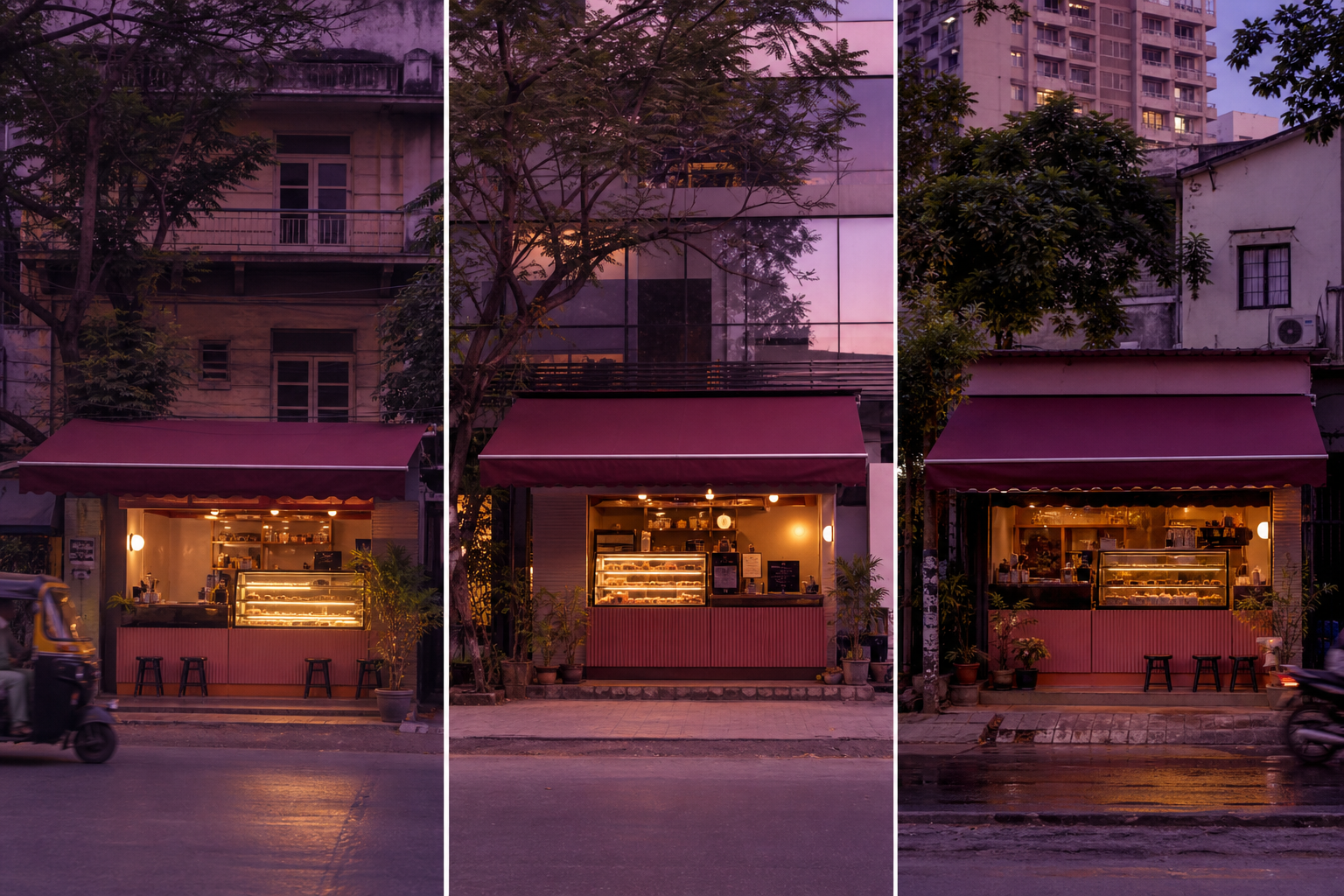
Compare locations without mixing catalogs
A bakery chain can see which outlet rang more on Saturday without forcing every store onto one SKU list. Staff stay local. Credit stays local. You still get a combined view.
Illustrative three-outlet chain. Index 100 = average outlet. Source: Hirah Shop chain design.
- Flagship 42%
- High street 33%
- Mall kiosk 25%
Illustrative share of weekly bills across three outlets. Source: Hirah Shop chain design.

What each outlet still owns
- Catalog & till — own groups, products, Express/Normal POS, counters, and receipts.
- People — cashiers and managers stay on that location; they do not roam the chain by default.
- Customers & credit — ledgers are per shop, so a due at Outlet A does not appear at Outlet B.
- Invoices & keys — Razorpay, bank, UPI, and API tokens are set per shop.
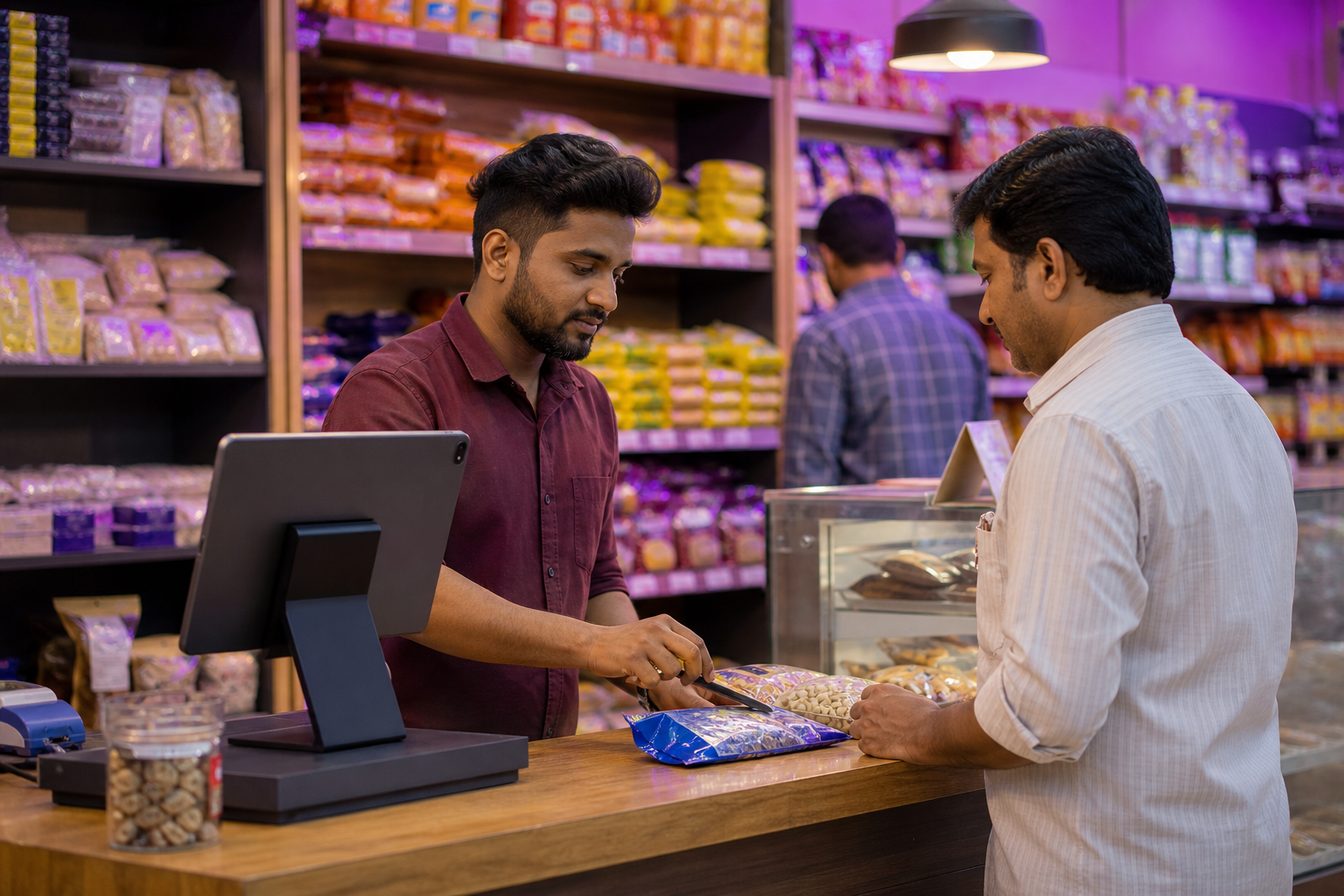
Retail can upgrade to a chain when the second location is ready. New outlets inherit the activity category; they do not copy the first shop’s SKU list.
How chains stay localGrow from one shop to a chain
Retail can upgrade to chain when the second location is ready. Activity category stays locked for new outlets.